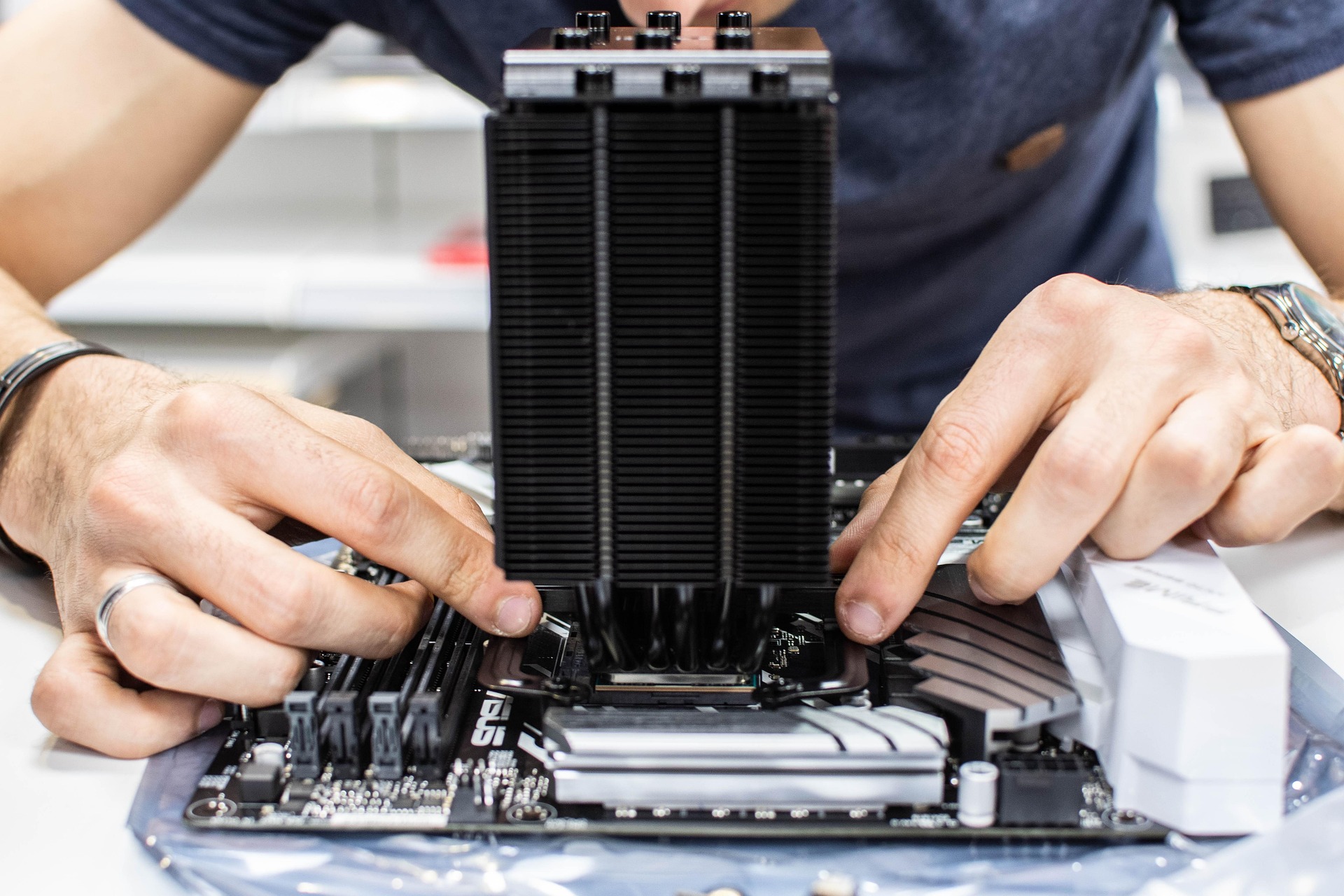
When assembling your computer your need a large amount of space to Layout the computer parts. First step is to install the CPU, cooler, and RAM on the motherboard. On the motherboard locate the CPU socket after locating the socket press and lift the lever to the side to open the socket, then your get your CPU and hover over the socket to avoid the pins that are in the socket. Align the CPU and place it smoothly into the socket. For cooling place the fans inside the case of your computer and connect the wire with the fans on to the motherboard and for RAM locate the RAM slot in the motherboard and unpin RAM and pin the new RAM in the motherboard.
Connect all your wires for power supply, storage drives, and graphics card to the motherboard. Make sure all the cables are along the back oof the computer so it can get proper airflow though out the whole computer. Make sure all the power is connected and the motherboard turns on by turning on the power at the back of the computer where the power supply goes make sure the led's turns on for the power botton. When everting is on you need to plug in your monitor, keyboard, and mouse. The short audio blow is the kind of background noise you hear when installing a software and drivers on your new built system.
Sample computer workspace sound - keyboard typing:
Sound effect by DRAGON-STUDIO Pixabay